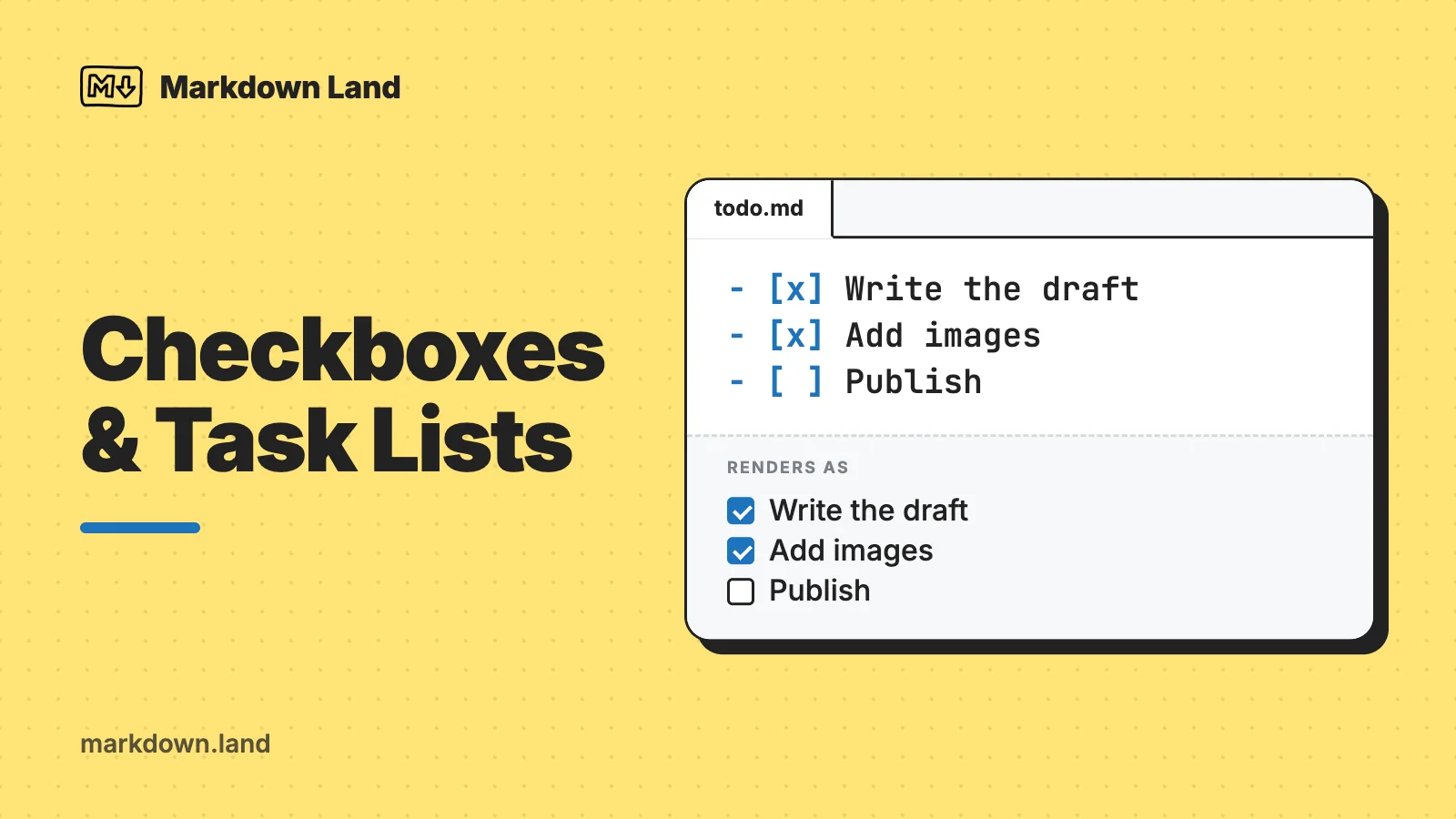
Checkboxes & Task Lists: code card showing a task list with - [x] and - [ ] items, rendered as checked and unchecked boxes

Markdown Checkboxes and Task Lists (Including Checkboxes in Tables)

Start a list item with – [ ] for an empty checkbox or – [x] for a checked one. Here’s the full task list syntax with the spacing rules I found by testing GitHub’s renderer, four ways to get checkboxes into a table, check mark symbols to copy, and where you can actually click the boxes: GitHub, GitLab, Obsidian, VS Code, Jupyter, and Pandoc.

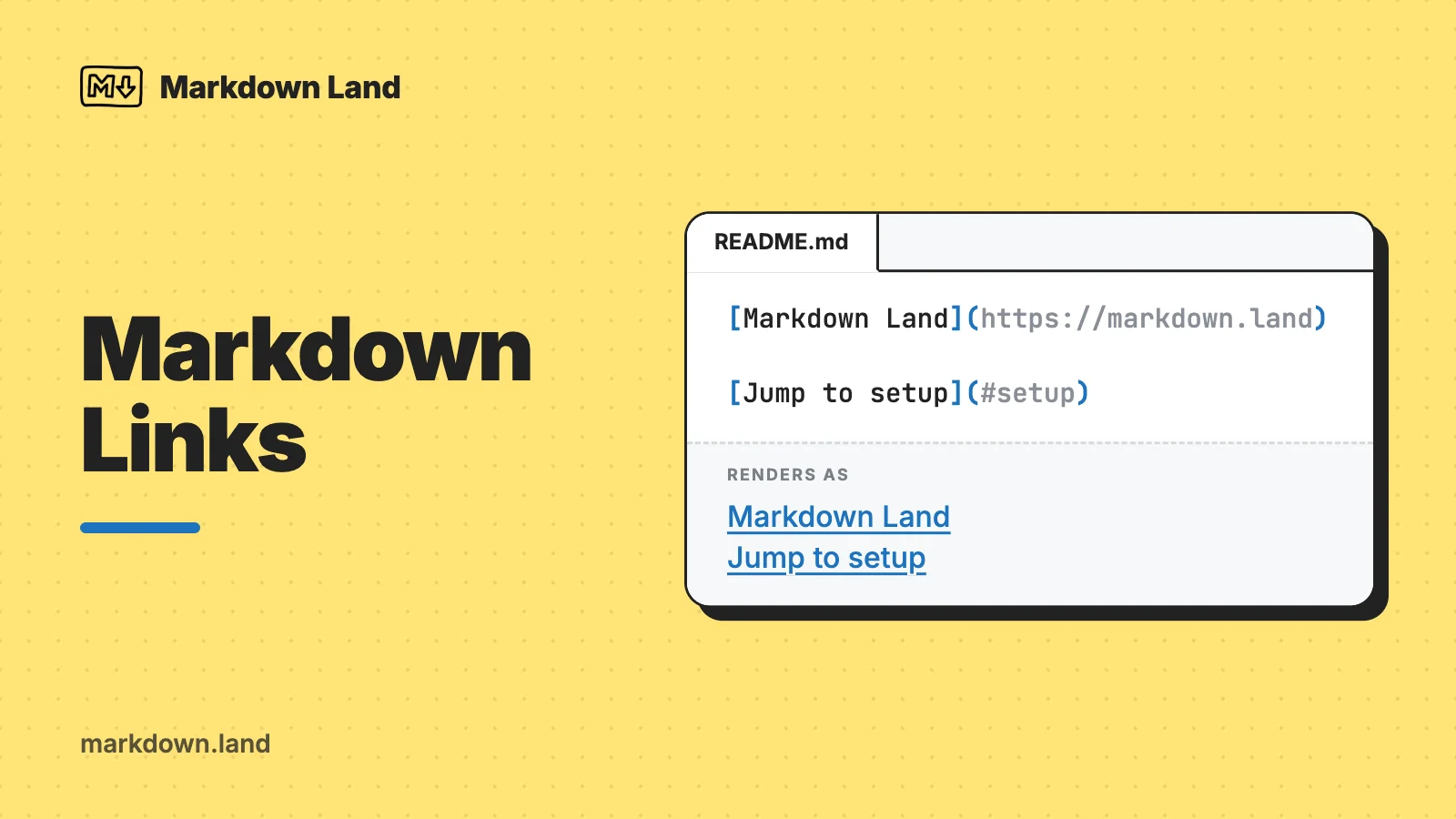
Markdown Links: code card showing an inline link and a link to a heading anchor, rendered as blue links

Markdown Links: Syntax, Links to Headings and Files, and New Tabs

Write [text](url) to make a link in Markdown. This guide covers reference-style links and autolinks, linking to a heading (with a tested table of how GitHub, Pandoc, MkDocs and Jekyll build anchors), relative links to other .md files, opening links in a new tab, Obsidian wikilinks, special characters, Discord and Slack, and a troubleshooting checklist.

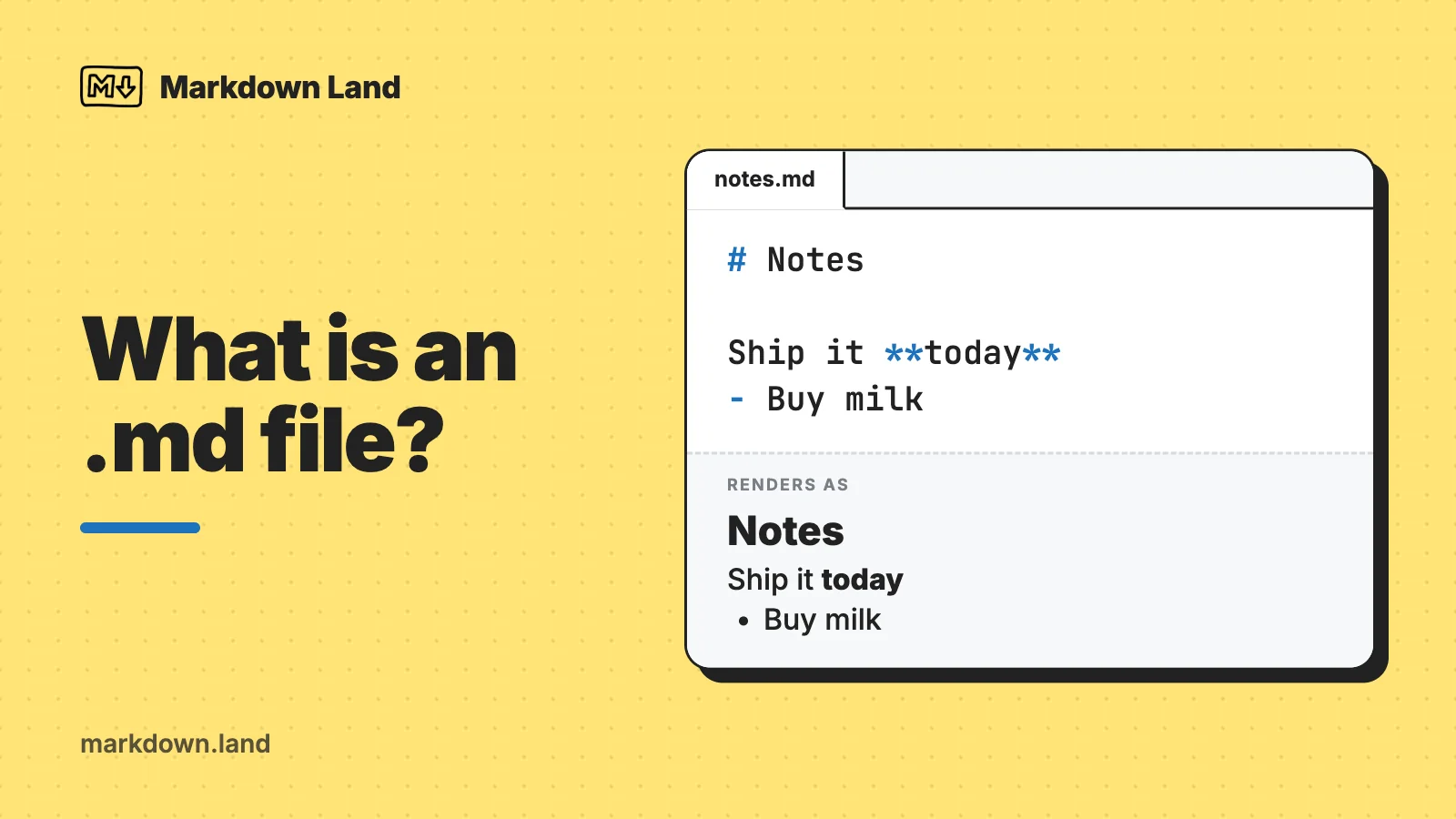
What is an .md file?: code card showing a notes.md file with a heading, bold text and a list, next to how it renders

What Is an .md File? How to Open, Read, and Convert One

An .md file is a Markdown file: plain text with symbols like # and ** for formatting. Here’s how to open one on Windows, Mac, phones and the web, see it formatted, convert it to Word, Google Docs or PDF, and which free editors are worth installing.